
Free Online Tools That Never Upload Your Files
Resize images, convert video, measure loudness, format lyrics and more — everything runs in your browser. Your files never leave your device. No account, no sign-up.
Verified for every tool below — each one was checked for upload endpoints before it was listed.


Images — JSM Image
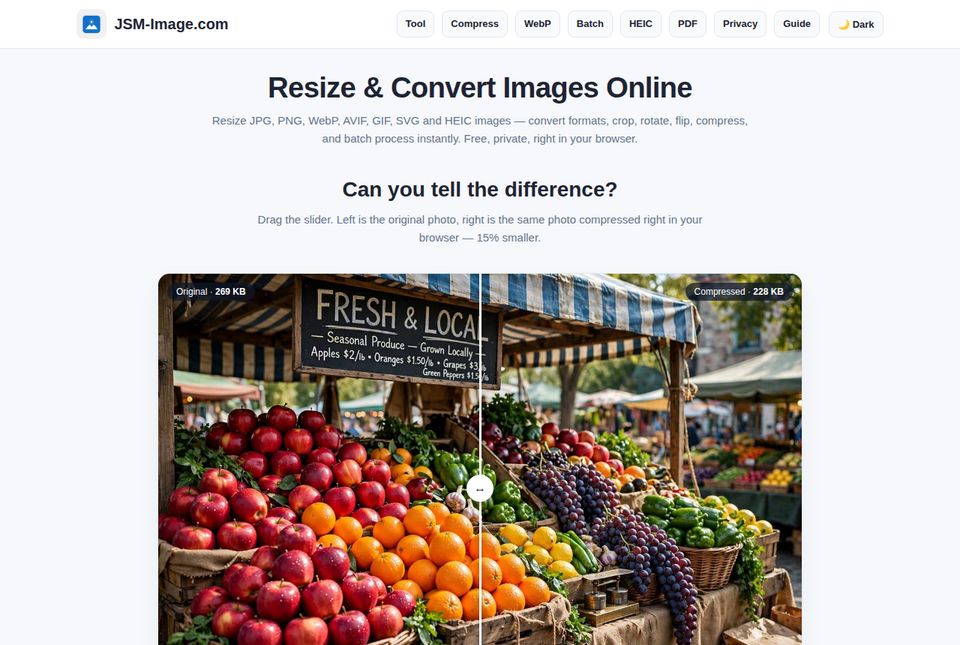
Resize, convert and protect your photos, right in your browser.
Video — JSM Video
Convert and edit video with FFmpeg running in your browser.
See it move — JSM Video's own test clip
JSM Video's own test clip (10 seconds, 320×240) — the same file the tool's test suite uses. Convert, trim or bleep a clip like this at jsm-video.com.
Audio — JSM Loudness
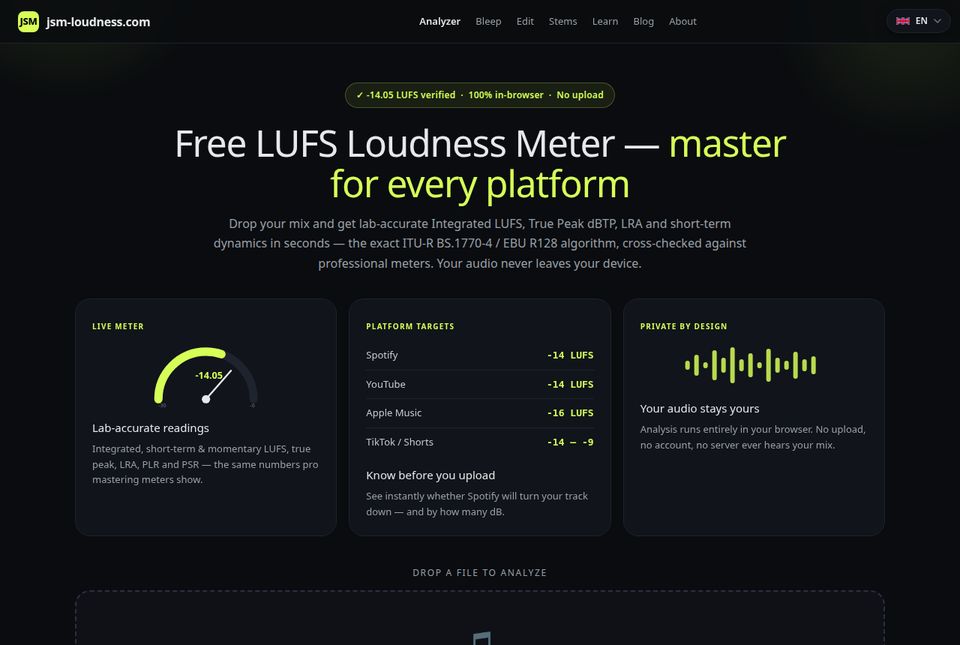
Measure and edit audio on your own device.
Try the loudness look — drop an audio file
Your file is decoded in this page only — it never leaves your device. The full meter (Integrated LUFS, True Peak, LRA) is at jsm-loudness.com.
Photos, in your browser — JSM Enhance
Four free photo tools that run entirely in your browser.
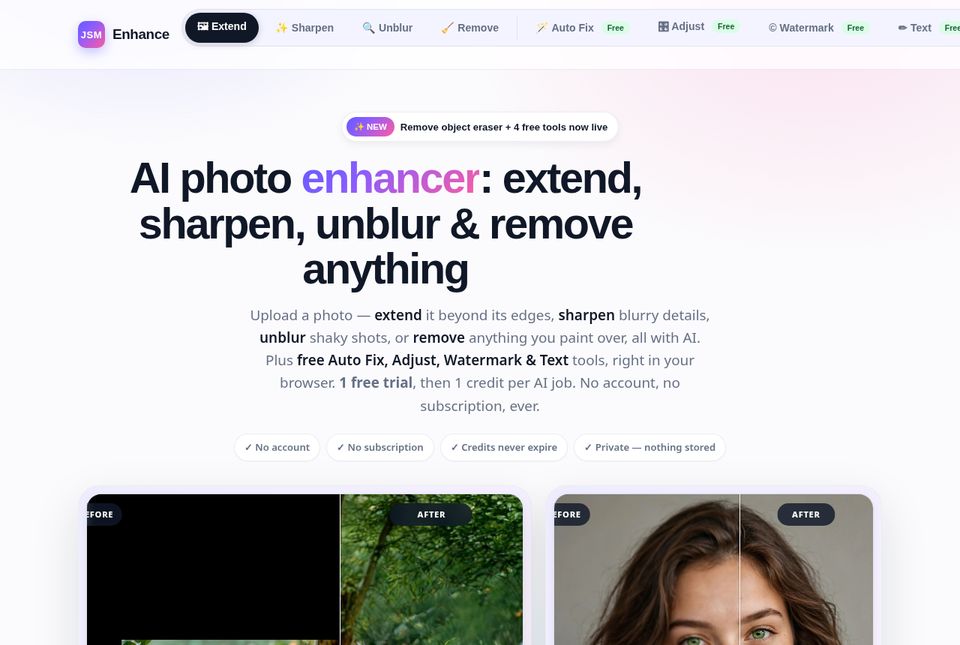
Enhance's AI tools — Extend, Sharpen, Unblur and Remove — are not listed here: they upload your image to a server for AI processing.
Try Adjust — right here
The sliders change the preview only — the original file is untouched. The full Adjust tool is at jsm-enhance.com.
Options — no files involved
Calculators over market data — these never touch your files at all.
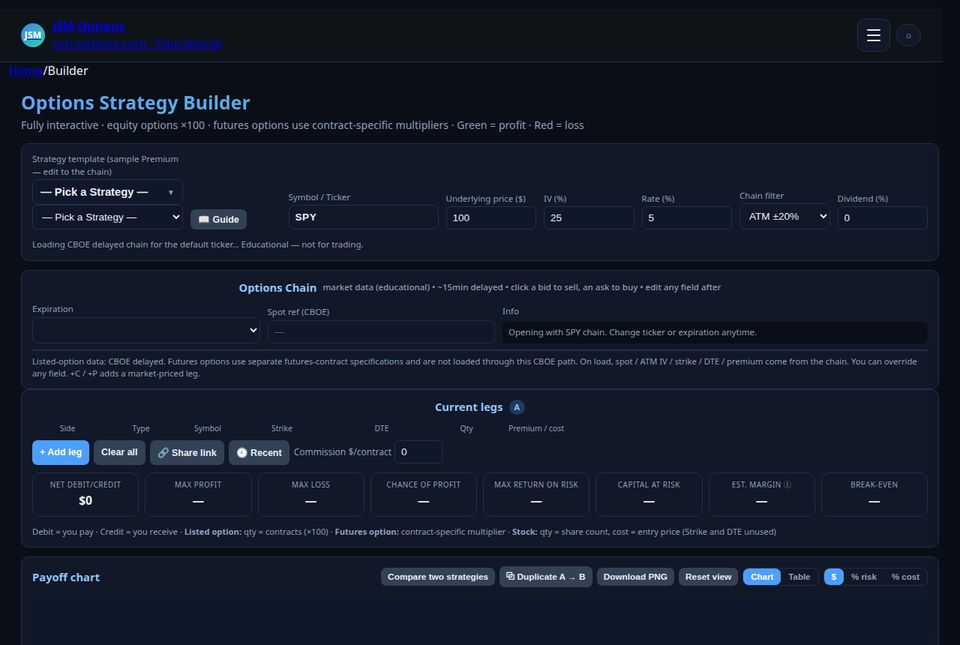
Try it — long call payoff
Educational example — not financial advice. One contract = 100 shares; green is profit, red is loss. The full Strategy Builder is at jsm-options.com.
Lyrics — text, not files
Paste your lyrics — nothing is sent anywhere.
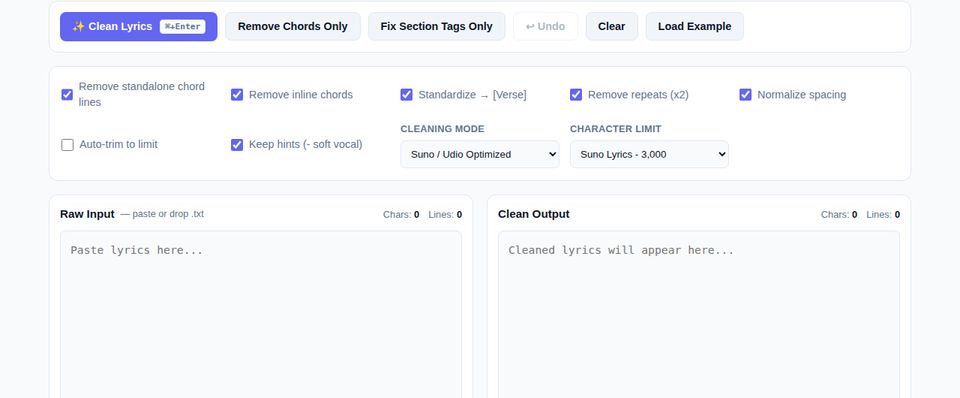
What clean lyrics look like
[Verse]
Walking down the old road, dust on my shoes
Singing to the morning, nothing left to lose

[Chorus]
Hold on to the sunlight, hold on to the sound
We are going home now, feet back on the ground
Sample output from LyricPrep's formatter (original lines, written for this demo). Try the live formatter in “Try it right here” below — the full tool is at lyricprep.com.
How it works — try it right here
Pick a tool, it runs in your browser, download the result — nothing is uploaded, and there is no queue. Three small demos, all running in this page:
🗜️ Compress an image
Drop an image, pick a quality, watch the size drop — the compression happens in this page.
Demo photo loaded: Original 269 KB → Compressed 228 KB (−15%). Output is JPEG.
🎤 Format lyrics
Paste messy lyrics — chord lines, mixed-up tags, extra blank lines — and get the clean version.
Cleaned lyrics will appear here…
Nothing formatted yet.
📡 Bytes uploaded
Every demo on this page runs in your browser. This counter measures, live, the bytes this page actually sends to any server while you use it.
uploaded while you used this page
Try the demos on this page — the number stays at 0. Your browser's Network tab shows the same thing: page loads are downloads, not uploads.
Video conversion runs on FFmpeg WASM, in your browser.
What never happens to your files
- Your files are never uploaded to a server — processing happens in your browser's memory.
- No account, no sign-up, no email address — nothing to create, nothing to log into.
- Your files aren't stored anywhere: close the tab and they're gone from the tool.
- Free means ads: JSM Image and JSM Video show Google ads, and the sites use anonymous Google Analytics statistics. That keeps them free — it doesn't change the promise above.
- One honest exception: JSM Enhance's AI tools upload your image to a server for AI processing. That's why only its four in-browser tools are listed here.
Frequently Asked Questions
Common answers regarding functionality and privacy.
Do these tools upload my files?
No. Every tool listed on this page was checked before listing: your files are read and processed in your browser, and nothing is sent to a server. The one exception to know about is JSM Enhance's AI tools (Extend, Sharpen, Unblur and Remove) — they upload your image to a server for AI processing, which is why they are not in the list above.
Is it really free — what's the catch?
Yes, every tool listed here is free to use. The sites stay free with Google ads (on JSM Image and JSM Video) and anonymous usage statistics. There is no account to create and no paywall on the listed tools.
Do I need an account?
No. None of these tools asks you to sign in or give an email address. JSM Enhance's AI tools use pay-per-use credits bought with a code — still no account — but the four Enhance tools listed here are free and run in your browser.
Can I use them offline?
No. The tools run in your browser, but you need to load the page first — they don't work offline.
Which tools are included?
22 tools: 7 image tools, 4 video tools, 4 audio tools, 4 in-browser photo tools from JSM Enhance, 2 options tools, and LyricPrep for lyrics. Every one of them processes your files — or your text, in LyricPrep's case — on your own device.
What about JSM Enhance's AI tools?
Extend, Sharpen, Unblur and Remove use AI running on a server, so your image is uploaded to process it. They are good tools, but they don't belong on a no-upload list — only Enhance's four in-browser tools (AutoFix, Adjust, Watermark, Add Text) are listed above.
Support the sites
JSM Tools stays free. If it helps, you can buy a coffee.